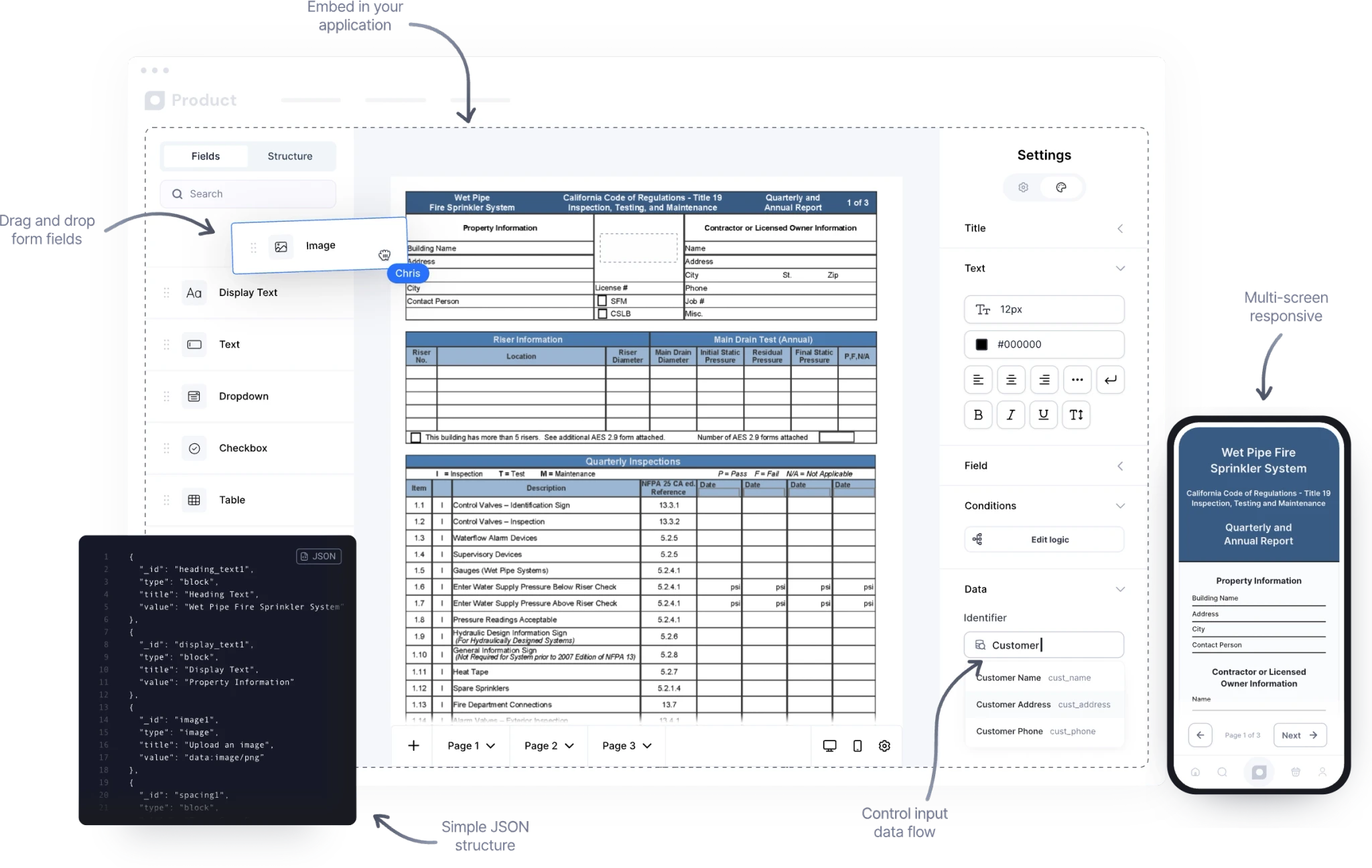
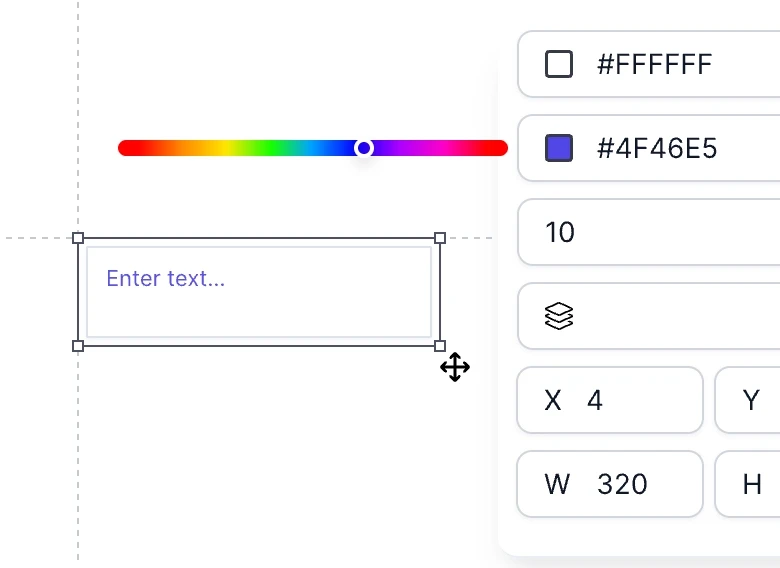
Inspection builder UI
An easy user interface to build custom inspections in seconds. Drag-and-drop simplicity to full design and layout control.
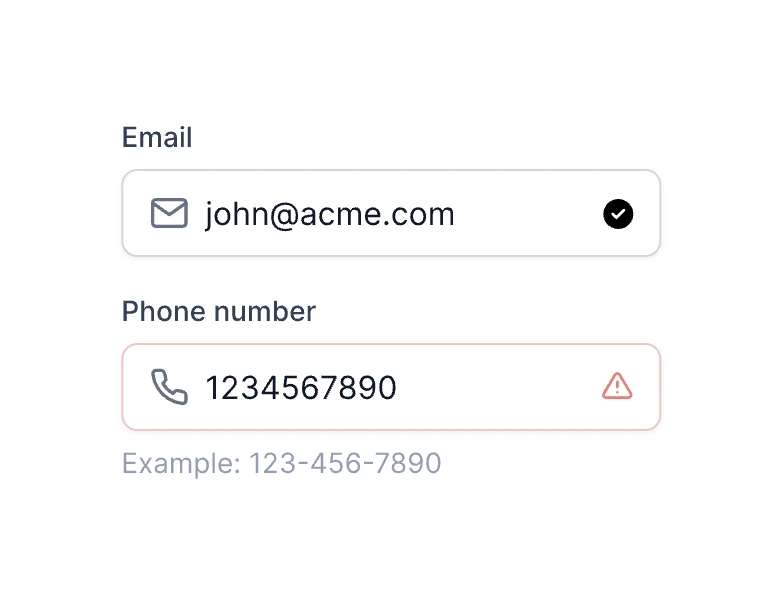
Validation
Ensure accurate, complete input with automatic inspection form field validation for required formats and values.
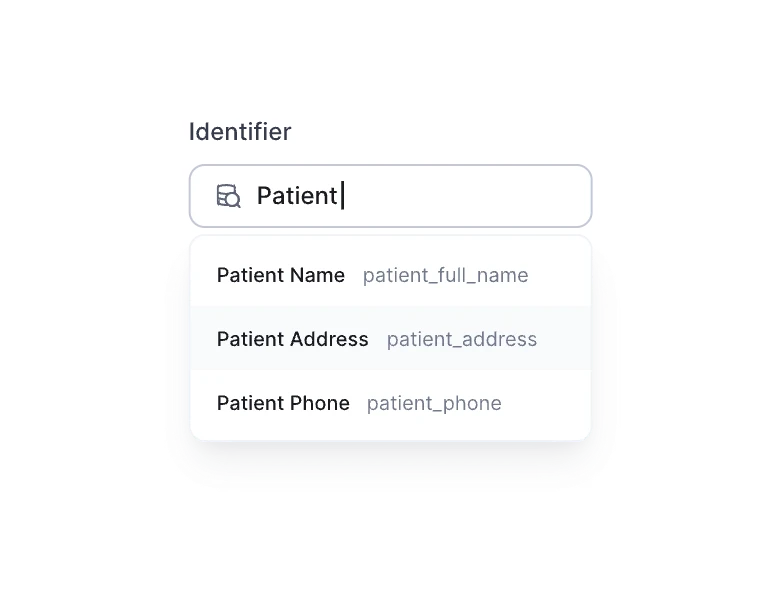
Data mapping
Connect your inspections to live data sources and auto-fill fields without writing custom logic.
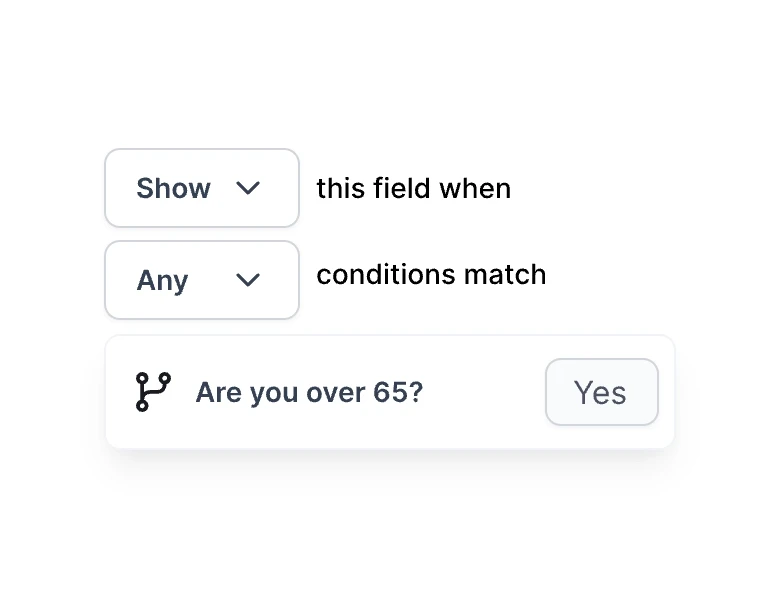
Conditional logic
Create smart, dynamic inspections that adapt to user input using simple if/then and show/hide conditions.
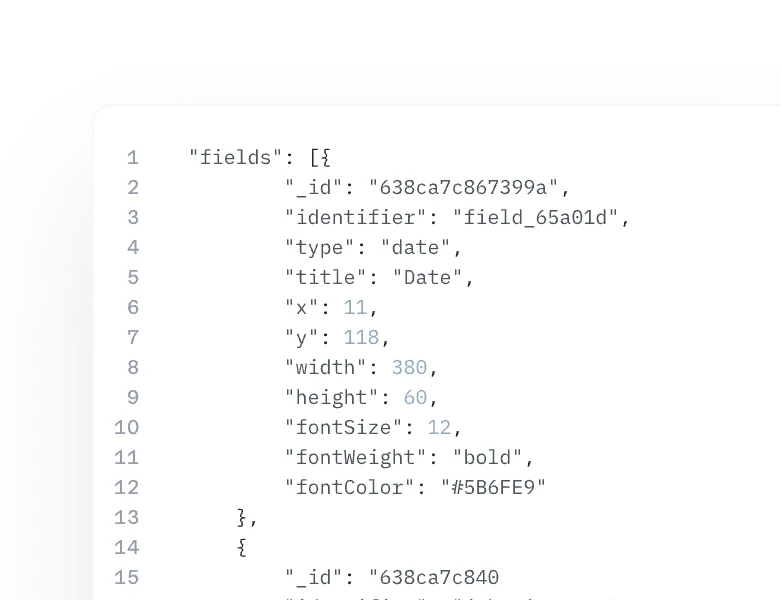
Lightweight JSON
Work with a minimal, developer-friendly JSON structure that’s easy to store, version, and scale.
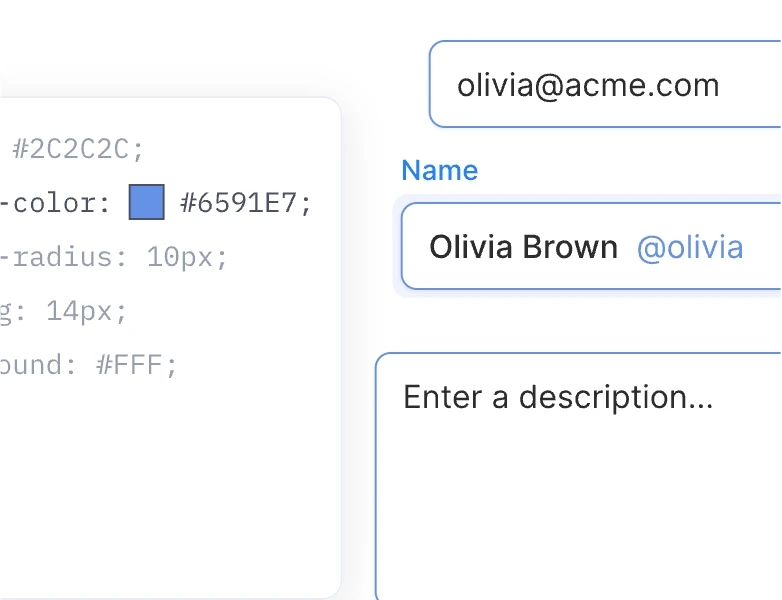
Theming
Easily match your brand with full control over colors, fonts, and layout—right from your configuration.
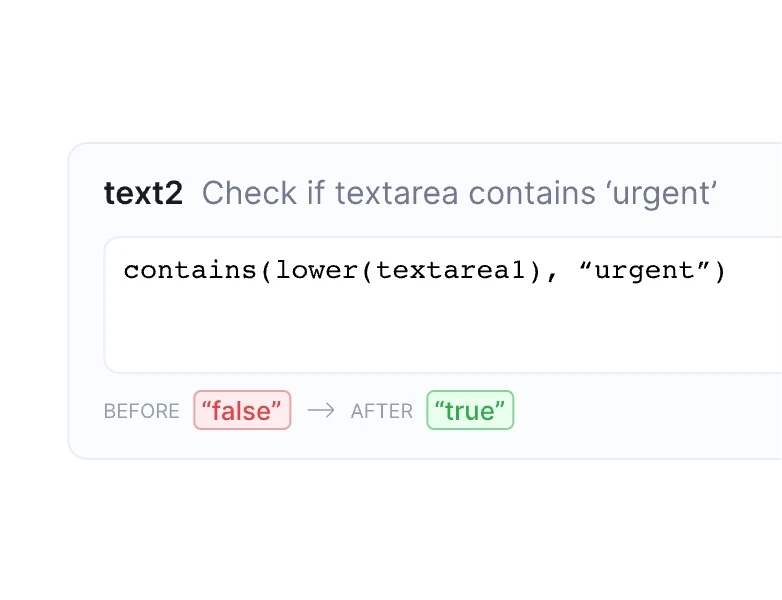
Formulas
Perform real-time calculations directly in the inspection form, from basic math to advanced expressions.
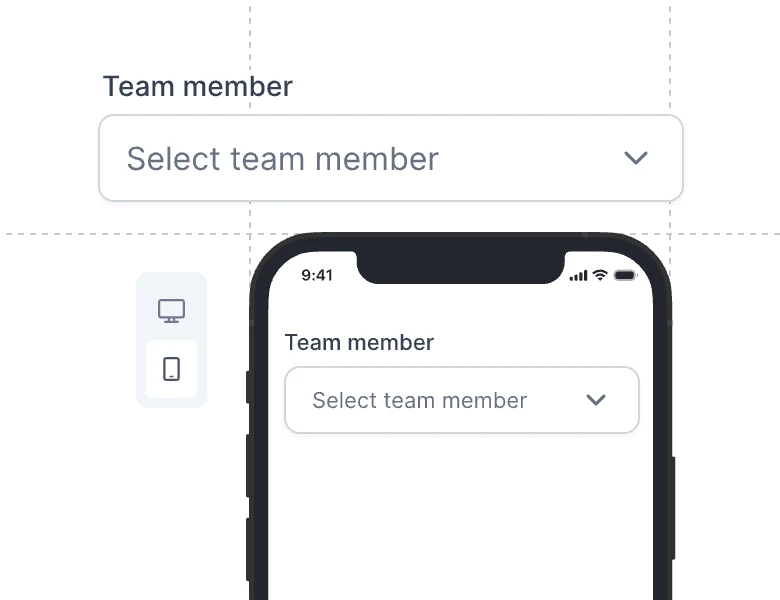
Mobile responsive
Deliver a seamless experience across all devices with inspections that respond to various display sizes.
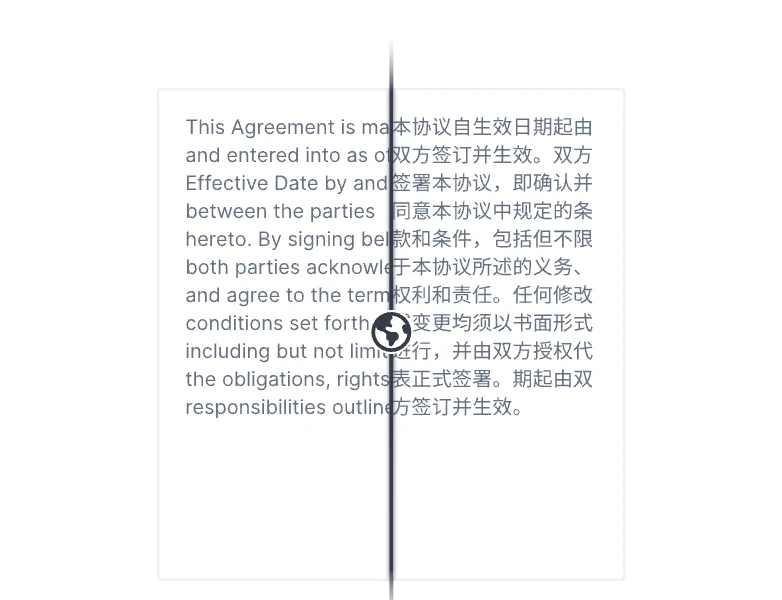
i18n
Localize your inspections for any audience with built-in support for multiple languages and regional formatting.


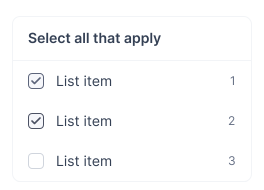

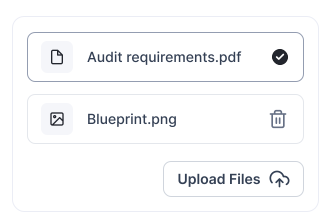
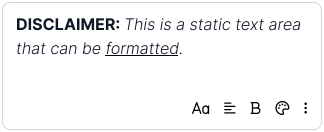

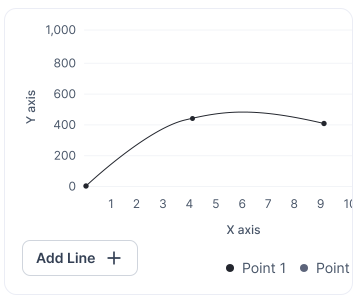

Empower users to create inspections
Enable your users to upload, edit, and fill inspections with an intuitive drag-and-drop UI interface.
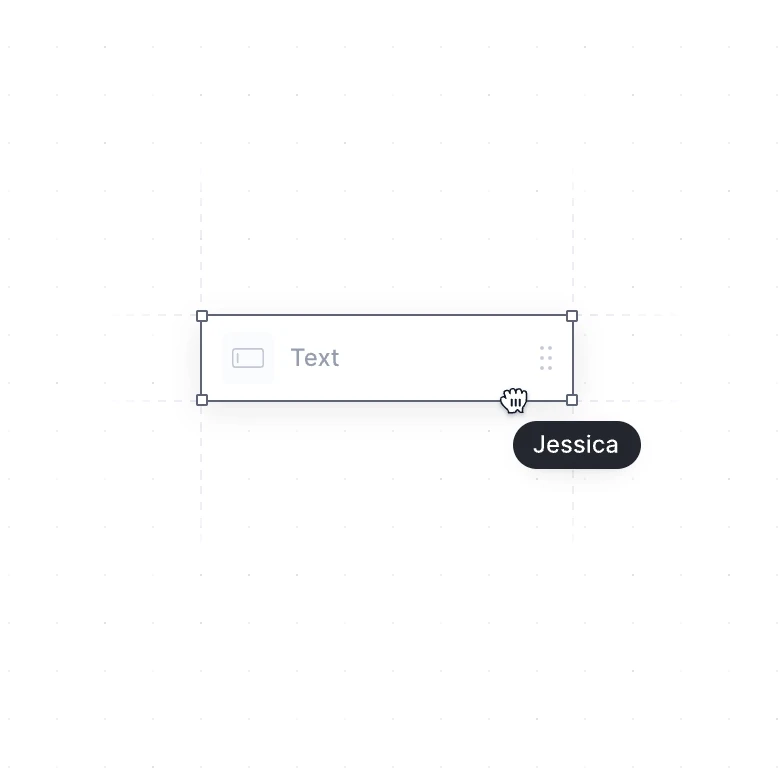
Programmatically populate inspections with JSON
Automate the process of filling inspection document by dynamically inserting data from any source with JSON.
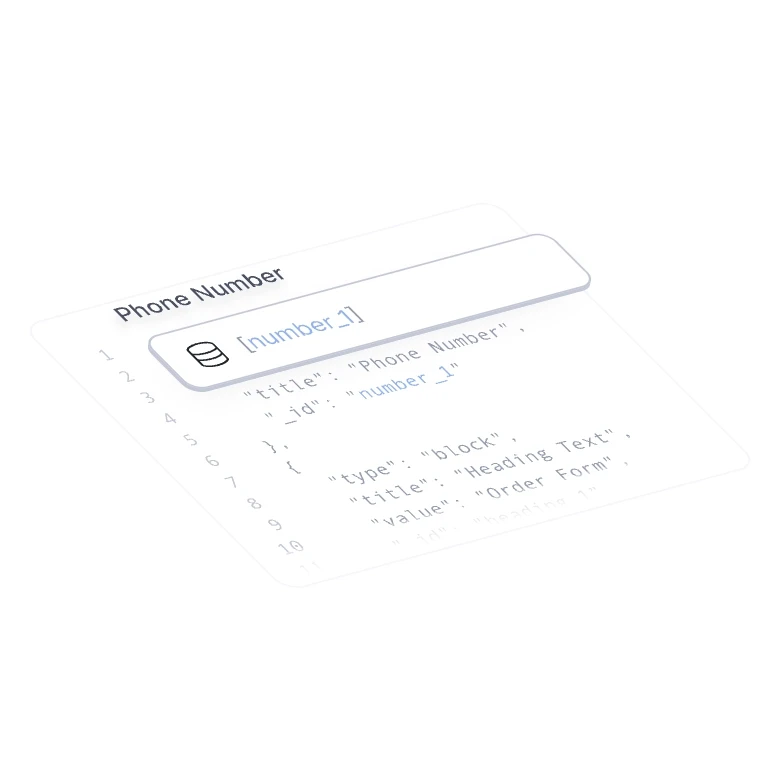
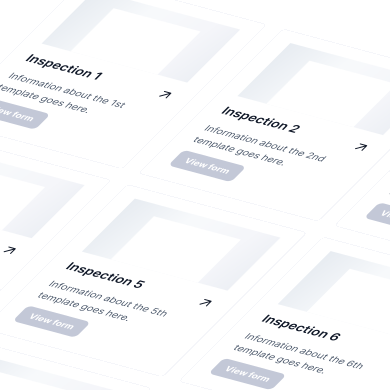
Host a prebuilt inspection template library
Host and maintain a centralized repository of reusable inspection templates, organized from the app or account tenant level.
“The ability to let our users build and customize forms independently has transformed our operations. We’ve reduced workload on our professional services team tremendously.”

Aidan Lister
Founder & CEO at Uptick
Can I populate inspections with values from my database?
Yes. You can use the “identifier” property on any given field, including the different fields that need the same value located on separate section on the form. Furthermore, the identifier is used to specify what data should be assigned to each field.
Can this be embedded into my mobile app?
Yes. Joyfill's mobile native SDK supports raw react native, expo, Swift, and Kotlin. The SDK is NOT a wrapped web-view. The SDK uses all pure native components in order to provide the best possible performance and support for inspections across apps.
How to control the inspection data input and output?
In Joyfill you can populate the Joyfill Document or Template field values, selectable options, table rows and more by simply updating the JSON object and following the JoyDoc format. Utilizing identifiers is recommended because it gives you an easy way to identify what data should be pre-populated in each field.
Can I customize the theme of the UI to match my brand?
Yes. You can customize the SDK UI (and the inspections) to fit your brand and product theme with a simple JSON edit.
Can Joyfill’s inspections support thousands of fields?
Yes. We handle performance by using a recycler view (and other best practices) to lazy load and render fields in the viewport of the device screen.
How much does it cost?
Price is determined based on number of factors, mainly your use case. We may not qualify or accept all use cases. Please schedule a call with our team for pricing. Schedule a demo with our team to get a personalized quote for your specific needs.