Start a new form
Fill out with your mobile app or an API call


Developer-friendly mobile forms SDK with backend data control
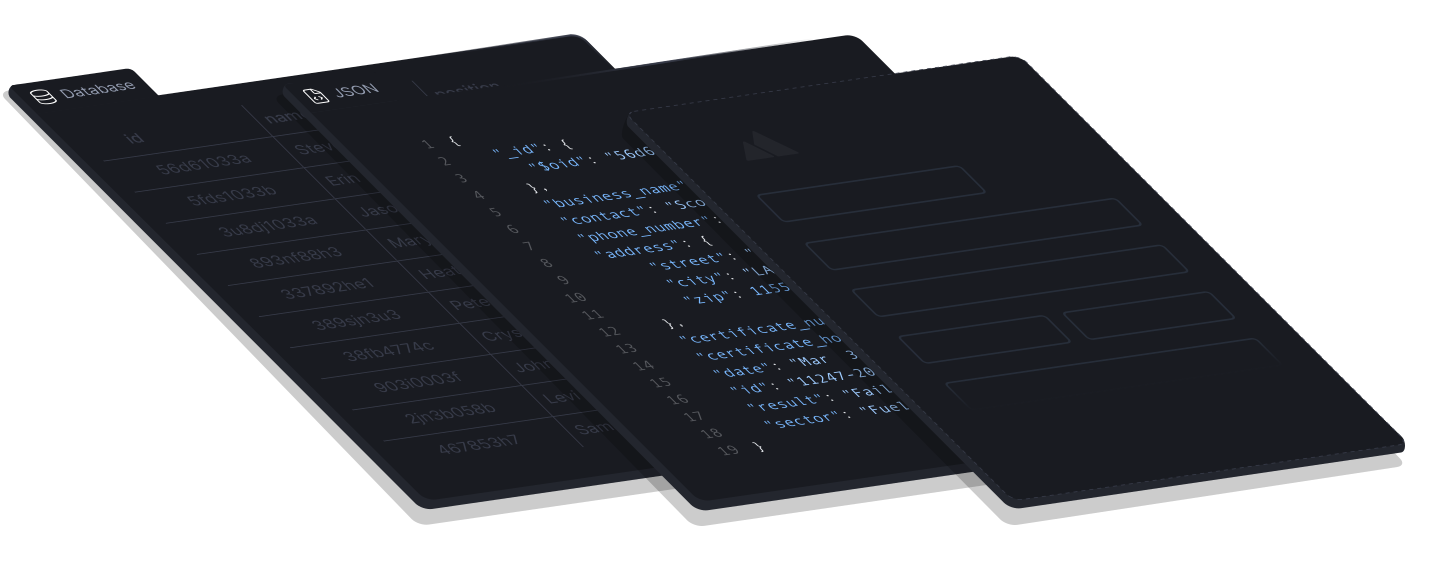


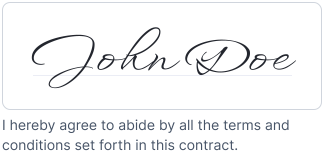


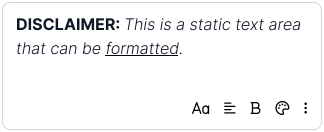

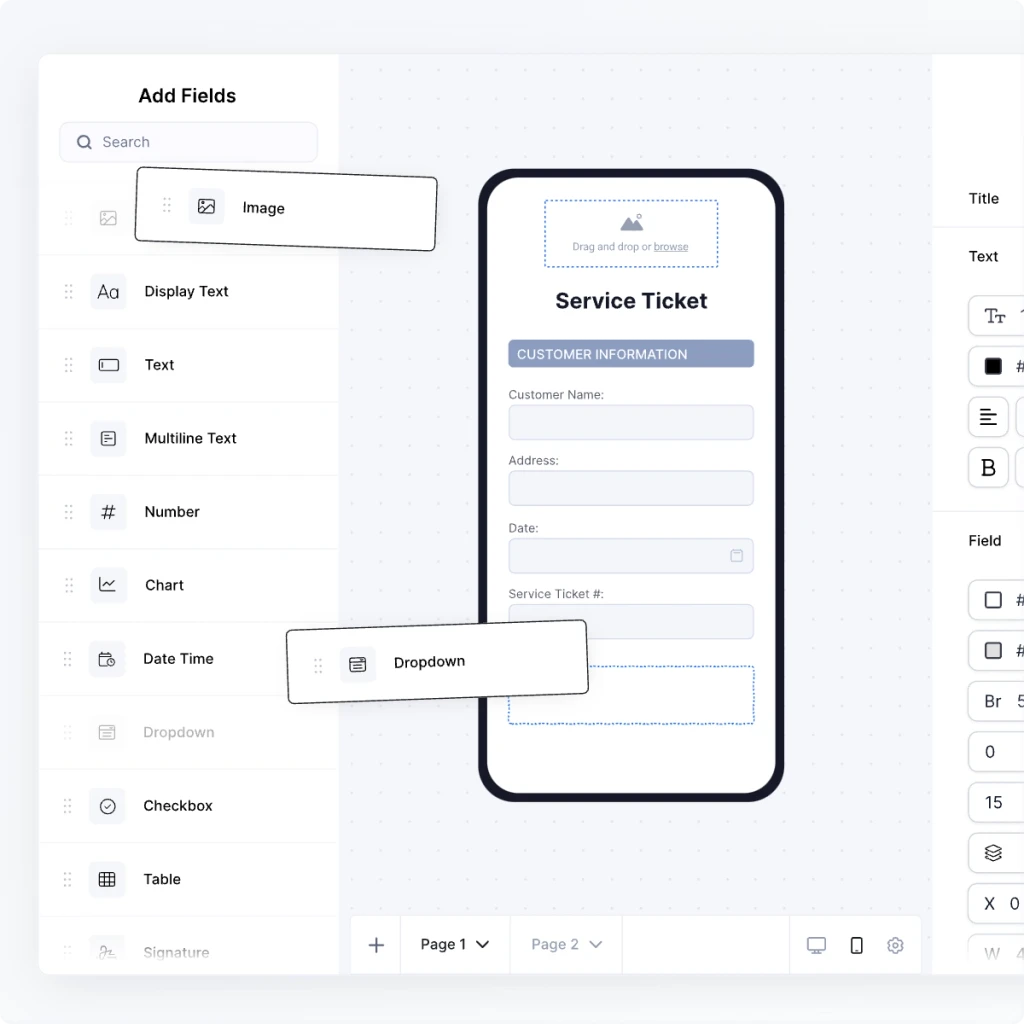
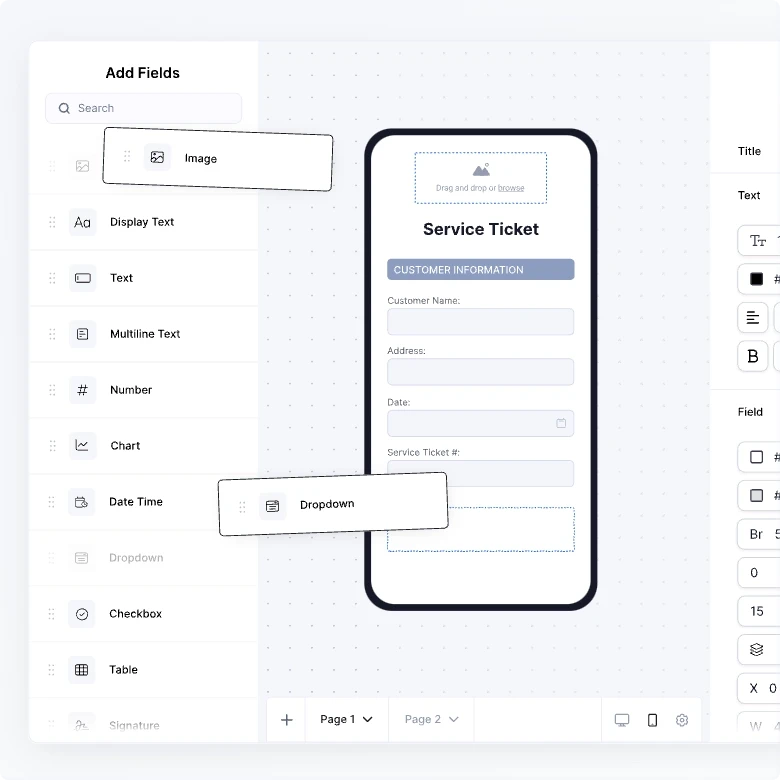
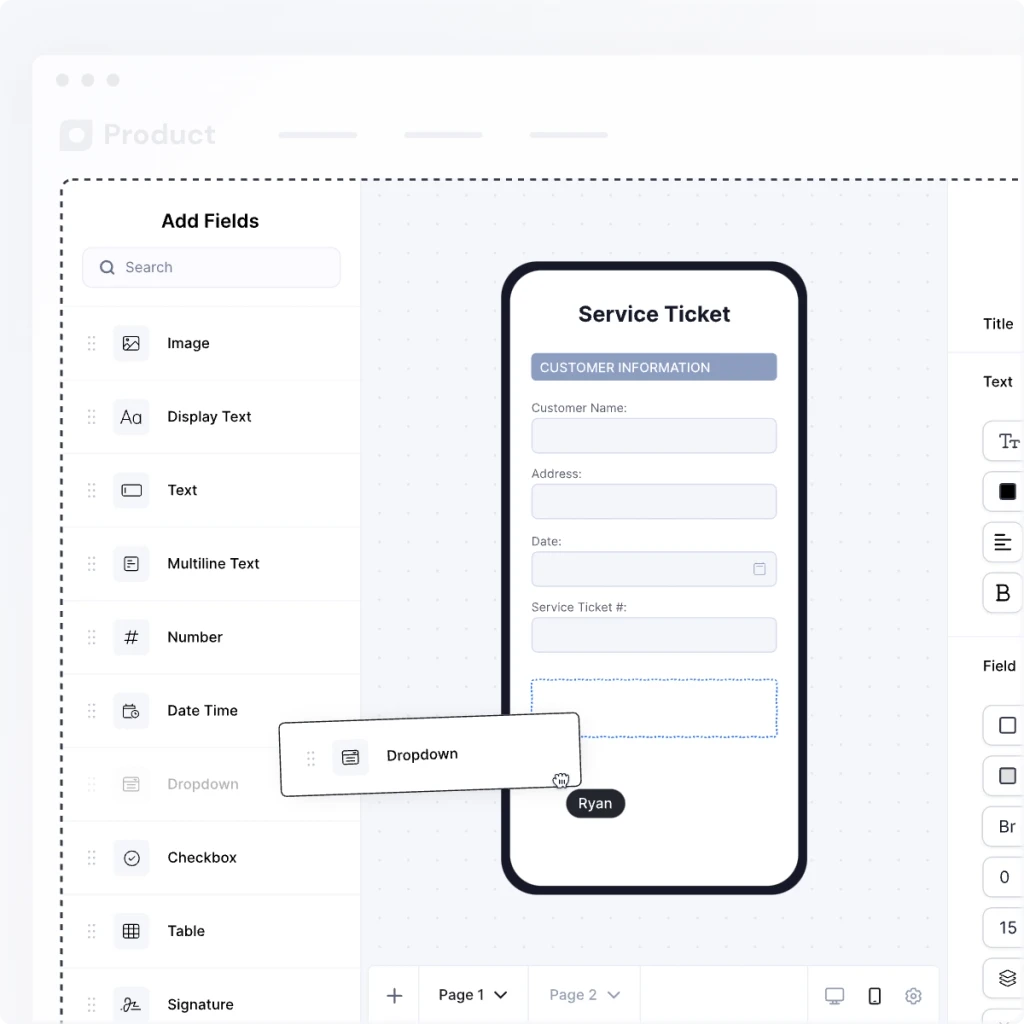
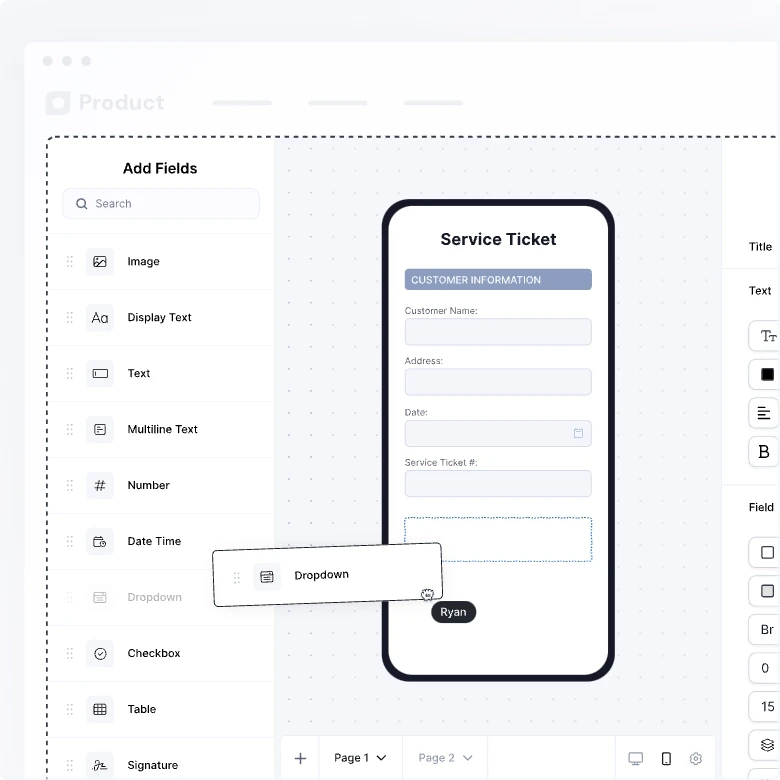
Pixel-perfect draggable fields
Implement a system of record with independent files, revision control, enforced fields, field validation, immutability, and file restrictions.
Field database identifiers
Set custom pre-defined identifiers to the draggable form fields for users to place on forms to programmatically populate forms with backend data.
Dynamic form fields
Overcome the constraints of complex data inputs with flexible expanding tables, duplicable fields and sections, and page creation.
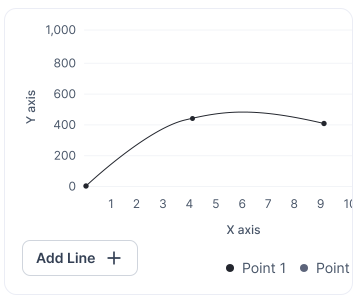
Graph and chart elements
Transform your data into visually appealing reports with do-it-yourself drag-and-drop data-rich graph and chart elements.
Form data processing
Control, query, and process form data for deeper internal and external use. Overcome the traditional binary PDF limitations.
Real-time data flow triggers
Implement listeners to trigger events on the individual field level in real-time based on form data entries and input interactions.
Responsive form layouts
Create flexible data collection interfaces that responsively fit the width and height of any area or screen size.
Deep conditional logic
Control the visual display and flow of data entry with value conditions on page, field, and sub-field levels.
Theming
Customize the design of UI components to match your app, branding, and existing interface with a simple JSON edit.
A form platform that empowers everyone
Joyfill has everything you need to provide the very best form management experience for your SaaS users, developers, and support staff.
Drag-n-drop form builder for your users
Form management portal for your support staff
Backend data mapping logic for your developers
The ability to let our users build and customize forms independently has transformed our operations. We’ve reduced workload on our professional services team tremendously.
Aidan Lister
CEO at Uptick

Joyfill offers an efficient and powerful mobile forms SDK that simplifies the process of integrating comprehensive mobile form solutions into your iOS or Android applications or mobile web browsers. This mobile forms SDK enables you to establish a user-friendly and seamless mobile form experience within your app, saving you from the arduous task of investing thousands of development hours. By utilizing Joyfill's mobile form UI components, you can precisely implement the form features you require, precisely where you need them, tailoring the experience to your specific software needs.
Your software end users can build or upload existing offline forms and Joyfill will automatically generate a mobile version of the web form that’s being built. In addition, the end user can further manipulate the mobile form and order of the fields for enhanced data entry efficiency.
The Joyfill mobile forms SDK provides a flexible foundation for creating a mobile data collection interface from the ground up or enhancing your existing forms, documents, or PDFs. It empowers developers to harness the potential of mobile forms without the complexities of building everything from scratch.
By integrating this mobile forms SDK into your project, you can streamline data collection, improve mobile user adoption, and optimize your app's functionality, all while minimizing the development effort required. Joyfill's mobile forms SDK is a versatile tool that can make your app's user experience more dynamic and efficient.
High-quality mobile forms can significantly impact the accuracy and completeness of data collected by the software. Mobile forms are often the primary means of user interaction and data input within an application. When these forms are user-friendly, intuitive, and efficient, it enhances the overall user experience, making the software more appealing to users. Valuable end users deserve nothing less than an extraordinary experience, and Joyfill’s developers have mastered that and applied it to our mobile forms SDK, ensuring anyone needing mobile form features and experiences will meet and surpass those standards.
To learn more, refer to our guide to embedding a form builder with React Native.