Free

Supplier - Vendor Audit Form

Supplier - Vendor Audit Form

Supplier - Vendor Audit Form

Business, Service

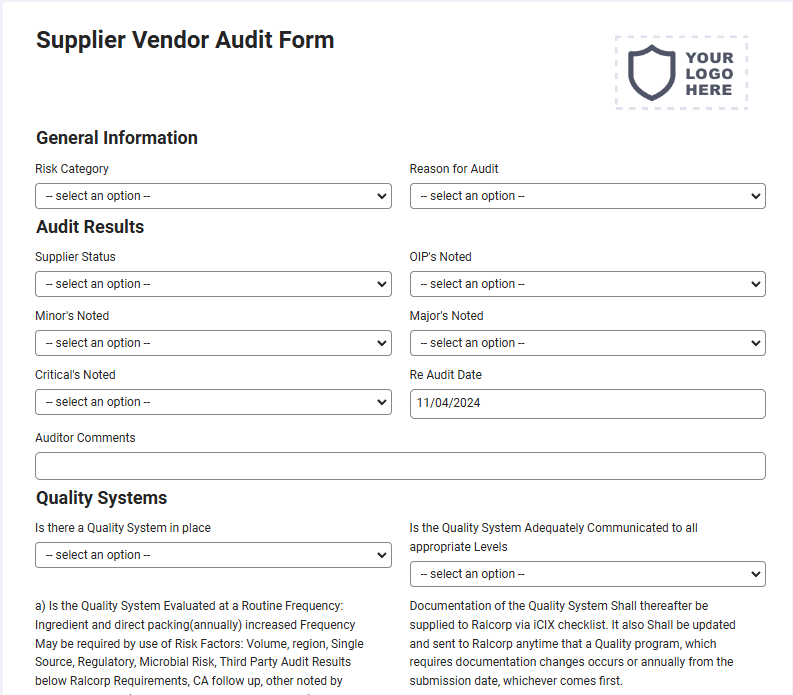
A supplier audit is a tailor-made program that assesses a supplier’s quality systems, as well as its workplace environment and ability to meet standards set by either the client or TÜV SÜD. This is a mobile Supplier – Vendor Audit Form compatible with iOS and android mobile devices and tablets.

Please complete the qualifying fields on the next page to get full access to a copy of this form on your mobile phone, tablet or as a downloadable PDF.
Compatible with

How it works

1

Activate your form

Sign up to activate your form(s), add your logo and company information. You’re all set to go.

2

Fill out on your device

Download and sign in to the mobile app to fill out forms on the go from any tablet or mobile device.

3

Save & store anywhere

All your form submissions are stored in your secure account for you and your team access, share, or download.

Questions and answers

FAQs about Contractor’s Material and Test Certificate for Underground Piping Form - NFPA 25

Can I customize this Supplier - Vendor Audit Form?

Yes. Joyfill provides a drag-and-drop form builder to customize this Supplier - Vendor Audit Form to fit your brand and preferred layout. This includes: adding your logo, company information, remove fields, and much more.

Can I customize this Supplier - Vendor Audit Form?

Yes. Joyfill provides a drag-and-drop form builder to customize this Supplier - Vendor Audit Form to fit your brand and preferred layout. This includes: adding your logo, company information, remove fields, and much more.

Is this Supplier - Vendor Audit Form mobile-friendly?

Yes. All forms are mobile optimized and fillable from any mobile or tablet devices. Just activate this Supplier - Vendor Audit Form, then download the Joyfill mobile from the Apple App Store or Google Play Store. Your newly active form will be waiting for you there. You can also active additional forms from the form library inside.

Is this Supplier - Vendor Audit Form mobile-friendly?

Yes. All forms are mobile optimized and fillable from any mobile or tablet devices. Just activate this Supplier - Vendor Audit Form, then download the Joyfill mobile from the Apple App Store or Google Play Store. Your newly active form will be waiting for you there. You can also active additional forms from the form library inside.

Where are my form submissions stored online?

When you first active the Supplier - Vendor Audit Form, Joyfill requires you to create a free account. This account is where all your forms and submissions are stored for you to access at anytime from the cloud on any device.

Where are my form submissions stored online?

When you first active the Supplier - Vendor Audit Form, Joyfill requires you to create a free account. This account is where all your forms and submissions are stored for you to access at anytime from the cloud on any device.

Can I fill out the Supplier - Vendor Audit Form online?

Yes. All form submissions are stored online in the secure Joyfill cloud by default. You can login to access or download a local copy of records at anytime.

Can I fill out the Supplier - Vendor Audit Form online?

Yes. All form submissions are stored online in the secure Joyfill cloud by default. You can login to access or download a local copy of records at anytime.

Can I fill out the Supplier - Vendor Audit Form offline?

Yes. You can complete this Supplier - Vendor Audit Form from the Joyfill mobile app even without an internet connection. Your entries save on your device and can be sync'd to your account once you're back online.

Can I fill out the Supplier - Vendor Audit Form offline?

Yes. You can complete this Supplier - Vendor Audit Form from the Joyfill mobile app even without an internet connection. Your entries save on your device and can be sync'd to your account once you're back online.

Can I download this Supplier - Vendor Audit Form as a PDF file?

Yes. All filled out forms can be downloaded as a PDF file for you to store offline or in another cloud service, including: dropbox, Google Drive, OneDrive, etc,.

Can I download this Supplier - Vendor Audit Form as a PDF file?

Yes. All filled out forms can be downloaded as a PDF file for you to store offline or in another cloud service, including: dropbox, Google Drive, OneDrive, etc,.

Is it free to fill out this Supplier - Vendor Audit Form?

Yes. You can use Joyfill to fill out forms and documents for free, forever, up to a set number of submissions each month. If you hit the limit, upgrade your account to unlock more, or just wait until next month. No obligation.

Is it free to fill out this Supplier - Vendor Audit Form?

Yes. You can use Joyfill to fill out forms and documents for free, forever, up to a set number of submissions each month. If you hit the limit, upgrade your account to unlock more, or just wait until next month. No obligation.

Can I print this Supplier - Vendor Audit Form?

Yes. You can print a blank copy of this Supplier - Vendor Audit Form to fill out by hand, or complete it digitally first and print the finished record. Printed and PDF versions keep the same layout, so your on-site copy matches what's stored in the cloud.

Can I print this Supplier - Vendor Audit Form?

Yes. You can print a blank copy of this Supplier - Vendor Audit Form to fill out by hand, or complete it digitally first and print the finished record. Printed and PDF versions keep the same layout, so your on-site copy matches what's stored in the cloud.

Can my whole team use this Supplier - Vendor Audit Form?

Yes. Once you activate this Supplier - Vendor Audit Form, your team can access and fill it out from their own devices under your account. Every submission is stored in one place, so team members are always collaborating from the same records.

Can my whole team use this Supplier - Vendor Audit Form?

Yes. Once you activate this Supplier - Vendor Audit Form, your team can access and fill it out from their own devices under your account. Every submission is stored in one place, so team members are always collaborating from the same records.

More about Supplier - Vendor Audit Form

More about Supplier - Vendor Audit Form

The Supplier – Vendor Audit Form is a mobile tool designed to streamline the process of assessing suppliers and vendors against established quality standards, workplace environments, and compliance requirements. This audit form is tailored to evaluate whether a supplier can meet the expectations set by clients or industry bodies such as TÜV SÜD. The form helps businesses ensure that their suppliers adhere to the necessary standards for product quality, safety, and operational practices, which is crucial for maintaining supply chain integrity and mitigating risks. This mobile Supplier – Vendor Audit Form is compatible with both iOS and Android mobile devices and tablets, enabling users to perform audits on-the-go, whether at the supplier’s facility or remotely. The digital format makes it easier to capture data, generate reports, and track audit results over time, all in real-time. Auditors can evaluate key areas such as quality management systems, regulatory compliance, manufacturing processes, and environmental practices, ensuring suppliers meet the necessary criteria for quality assurance and sustainability. By using this mobile solution, businesses can ensure that their suppliers meet the required standards for safety, quality, and performance, reducing the risk of disruptions in the supply chain. The Supplier – Vendor Audit Form not only helps in identifying gaps in supplier performance but also provides a systematic approach to improving supplier relationships and ensuring that the goods or services provided meet or exceed the expected quality standards. This audit tool contributes to strengthening partnerships, improving operational efficiency, and maintaining compliance across the supply chain.
Forms related to the Supplier - Vendor Audit Form

Forms related to the Supplier - Vendor Audit Form

Business, Service

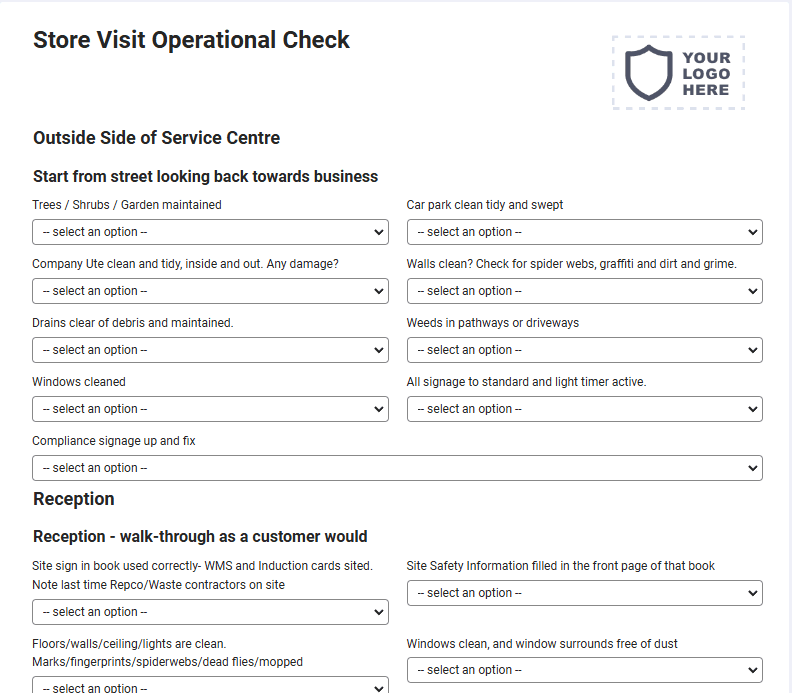
Store Visit Operational Check

A store visit can identify and remedy inconsistencies in-store presentation, visual merchandising, and brand compliance. identify store-level problems, such as maintenance and operational issues. close the loop on task management, ensuring previous tasks and actions have been completed. This is a mobile Store Visit Operational Check compatible with iOS and android mobile devices and tablets.
Business, Service

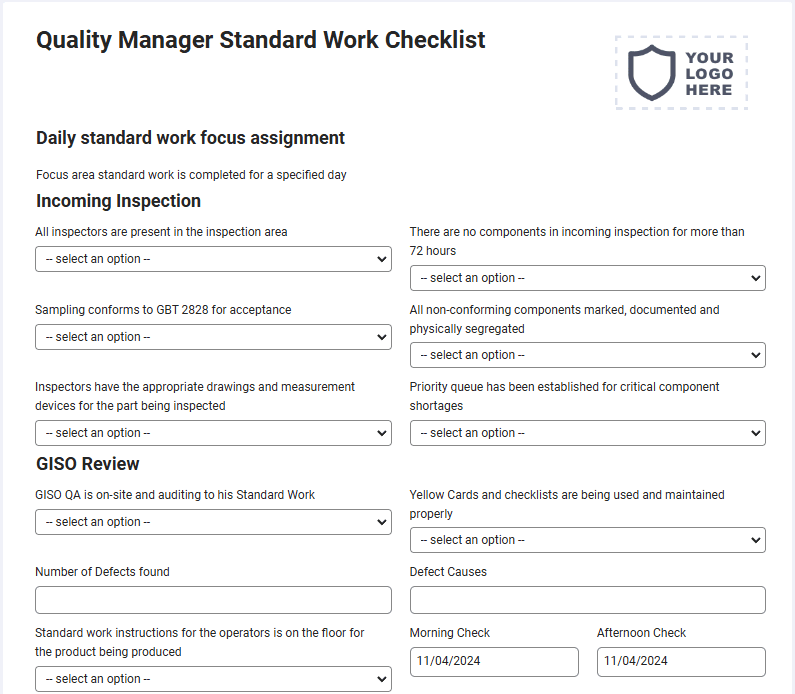
Quality Manager Standard Work Checklist

The Standards Manager is responsible for maintaining, interpreting, and developing the Bonsucro certification standards and protocols to ensure the highest levels of credibility, relevance, and performance to support Bonsucro members to perform more sustainably. This is a mobile Quality Manager Standard Work Checklist compatible with iOS and android mobile devices and tablets.
Business, Service

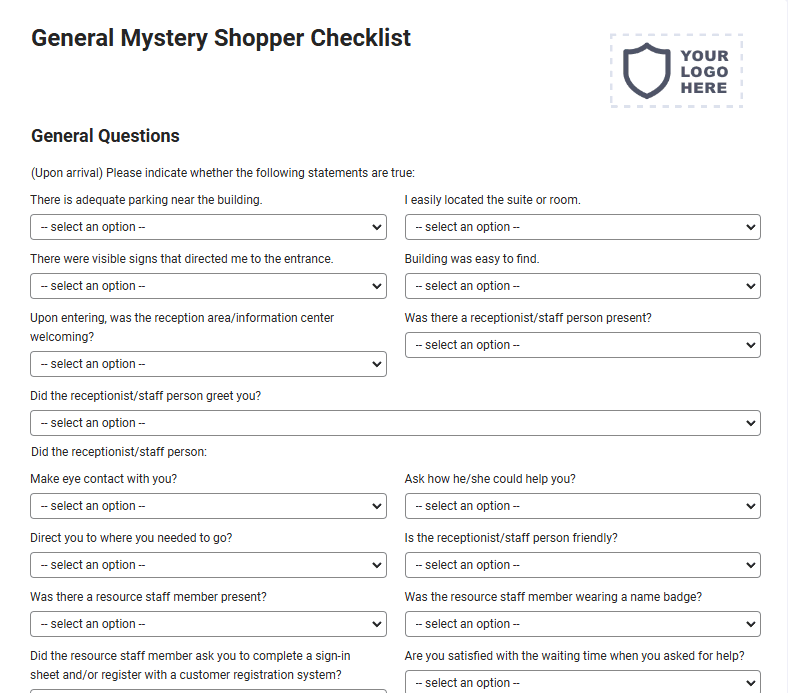
General Mystery Shopper Checklist

Mystery shoppers purchase, eat at restaurants, make inquiries, or return items. Mystery shoppers give opinions but assess a business and its employees from the customer experience perspective. This is a mobile General Mystery Shopper Checklist compatible with iOS and android mobile devices and tablets.

Get started - It's free forever!

Join thousands of field teams already saving hours on every job.

Free forever

No credit card required

Cancel anytime

Support included

Get started - It's free forever!

Join thousands of field teams already saving hours on every job.

Free forever

No credit card required

Cancel anytime

Support included

Get started - It's free forever!

Join thousands of field teams already saving hours on every job.

Free forever

No credit card required

Cancel anytime

Support included